
Components
Overview
Components are reusable, modular collections of fields that define specific page sections, such as banners, testimonials, or product grids. They enhance design consistency, streamline content creation, and reduce redundancy across the content management system.
Example: Hero Banner Component
The Hero Banner Component exemplifies a reusable component, typically configured with the following fields:
- Image Field: Stores or references artwork or visual assets.
- Text Field: Captures the headline or primary message.
- CTA Label Field: Defines the text for the call-to-action (CTA) button.
- Link Field: Specifies the destination URL for the CTA.
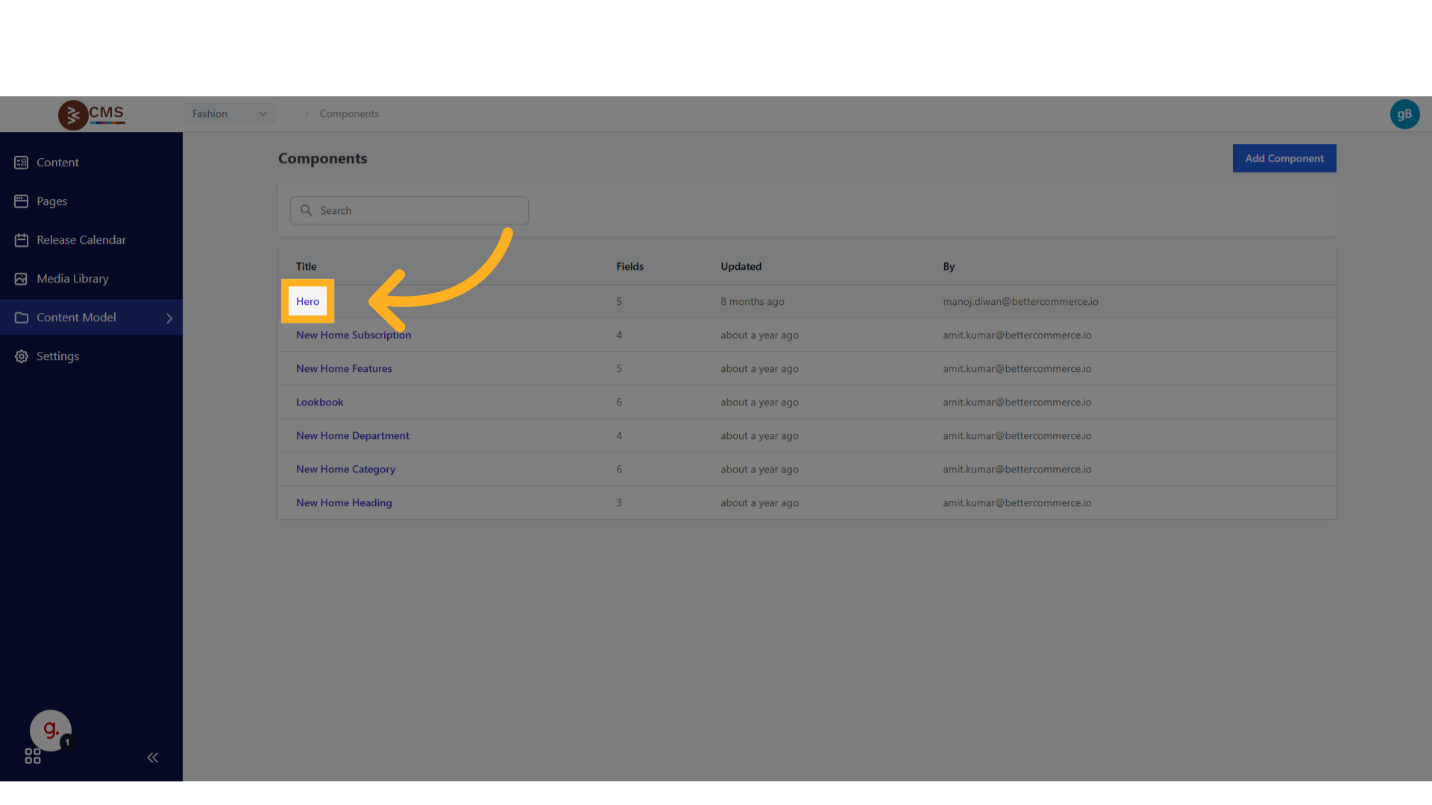
This configuration ensures uniform presentation and functionality for hero banners across multiple pages.
Creating a Component
To create a Component, follow these steps:
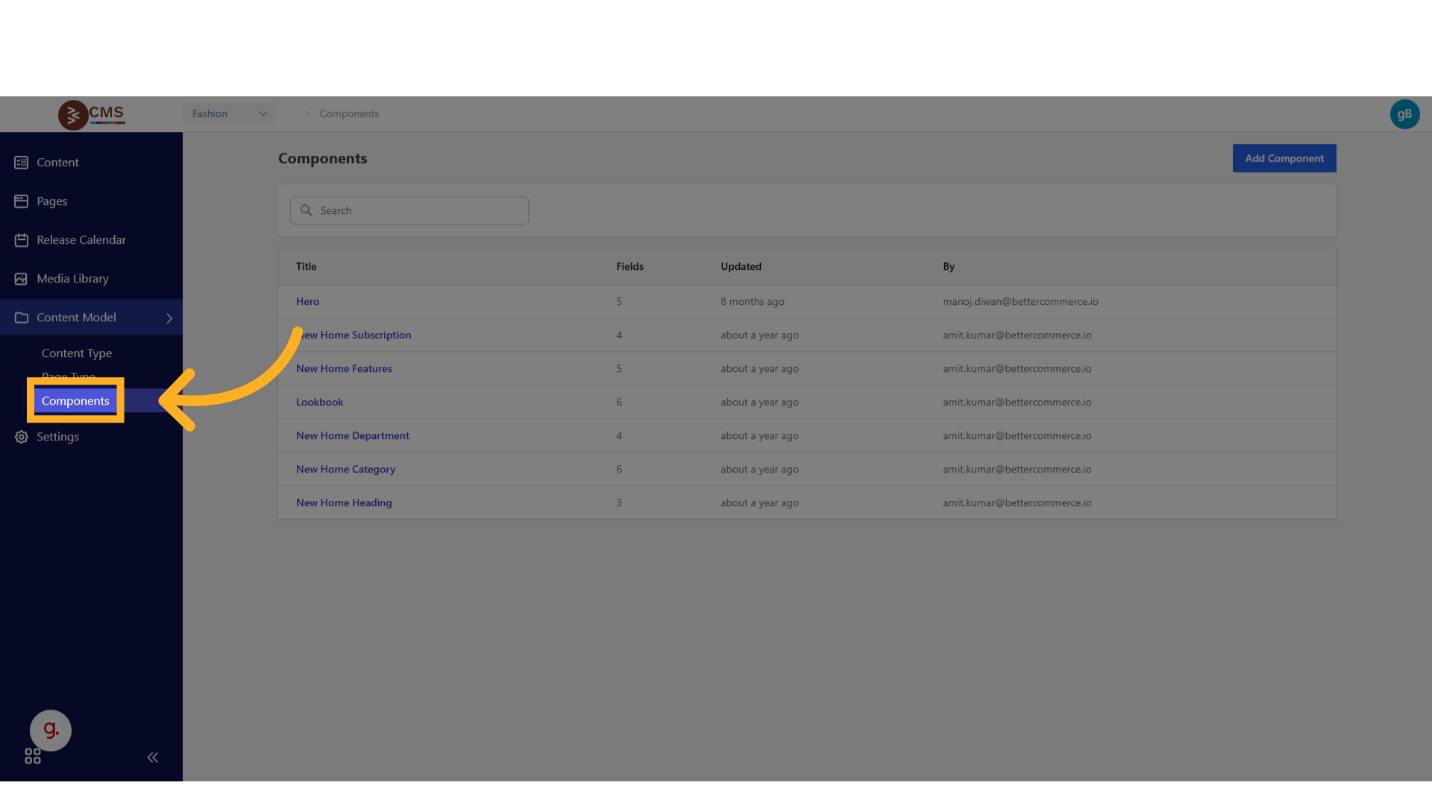
- Navigate to Components: Access Content Model > Components from the dashboard.
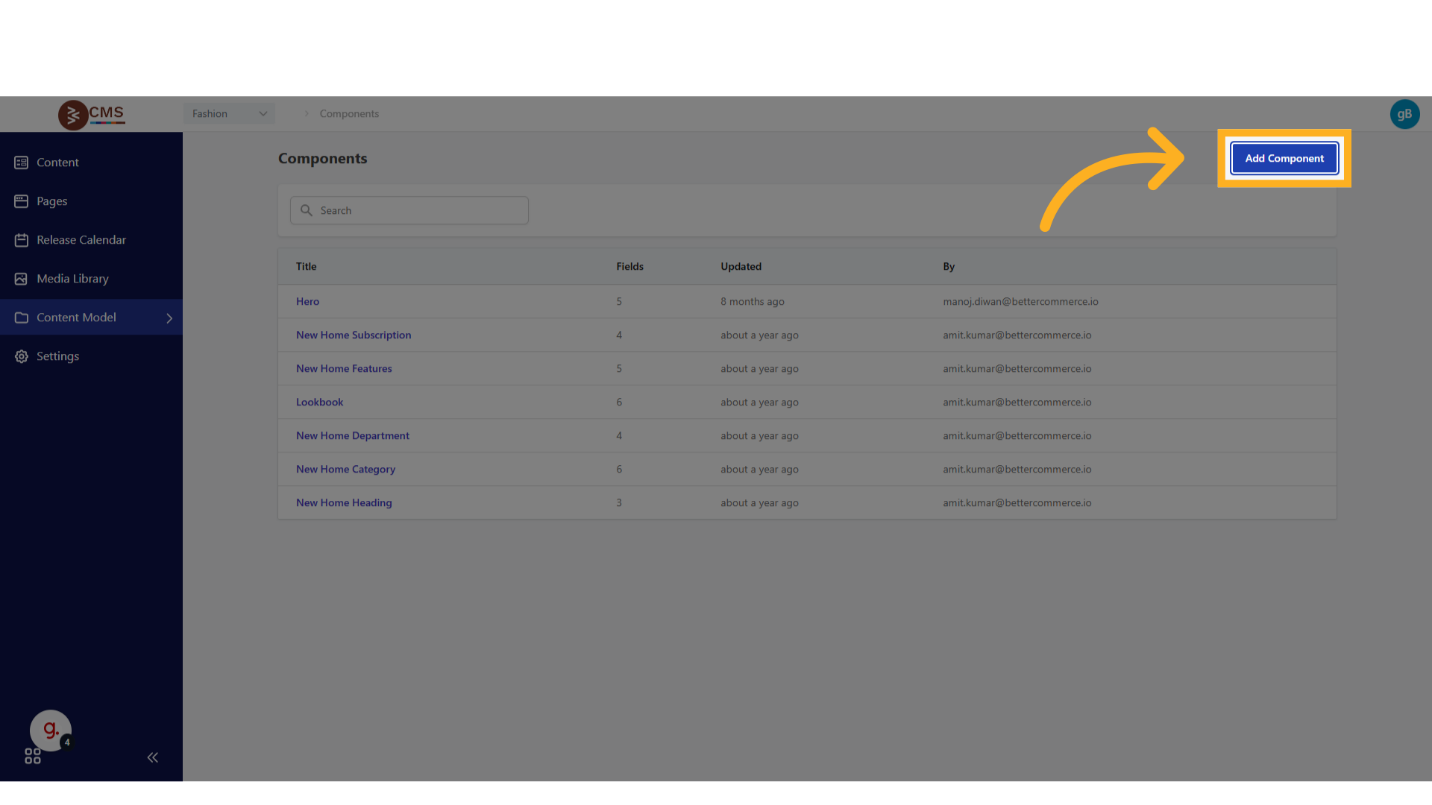
- Initiate Component Creation: Click the Add Component button.
- Configure Component Details:
- Title: Provide a unique, descriptive title to identify the Component.
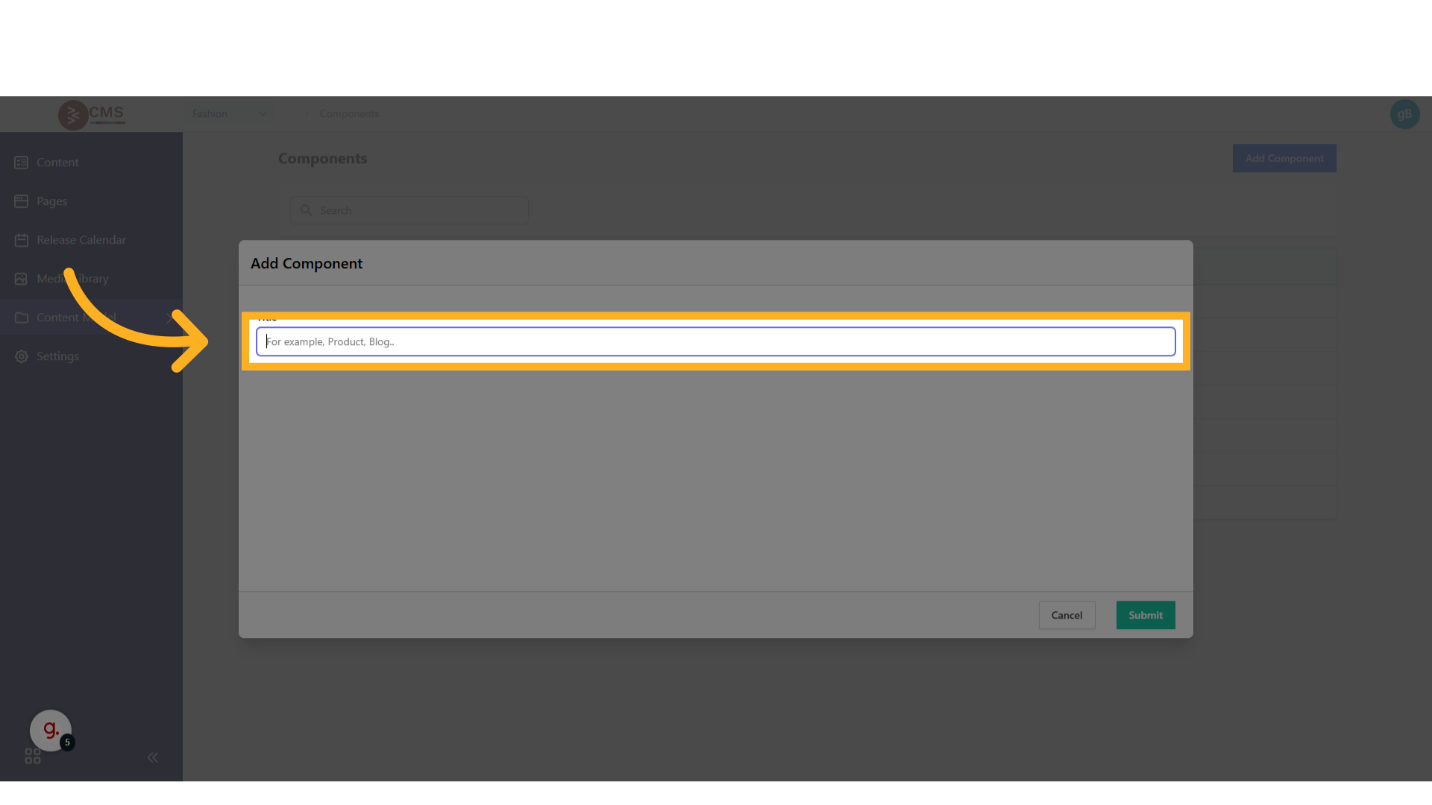
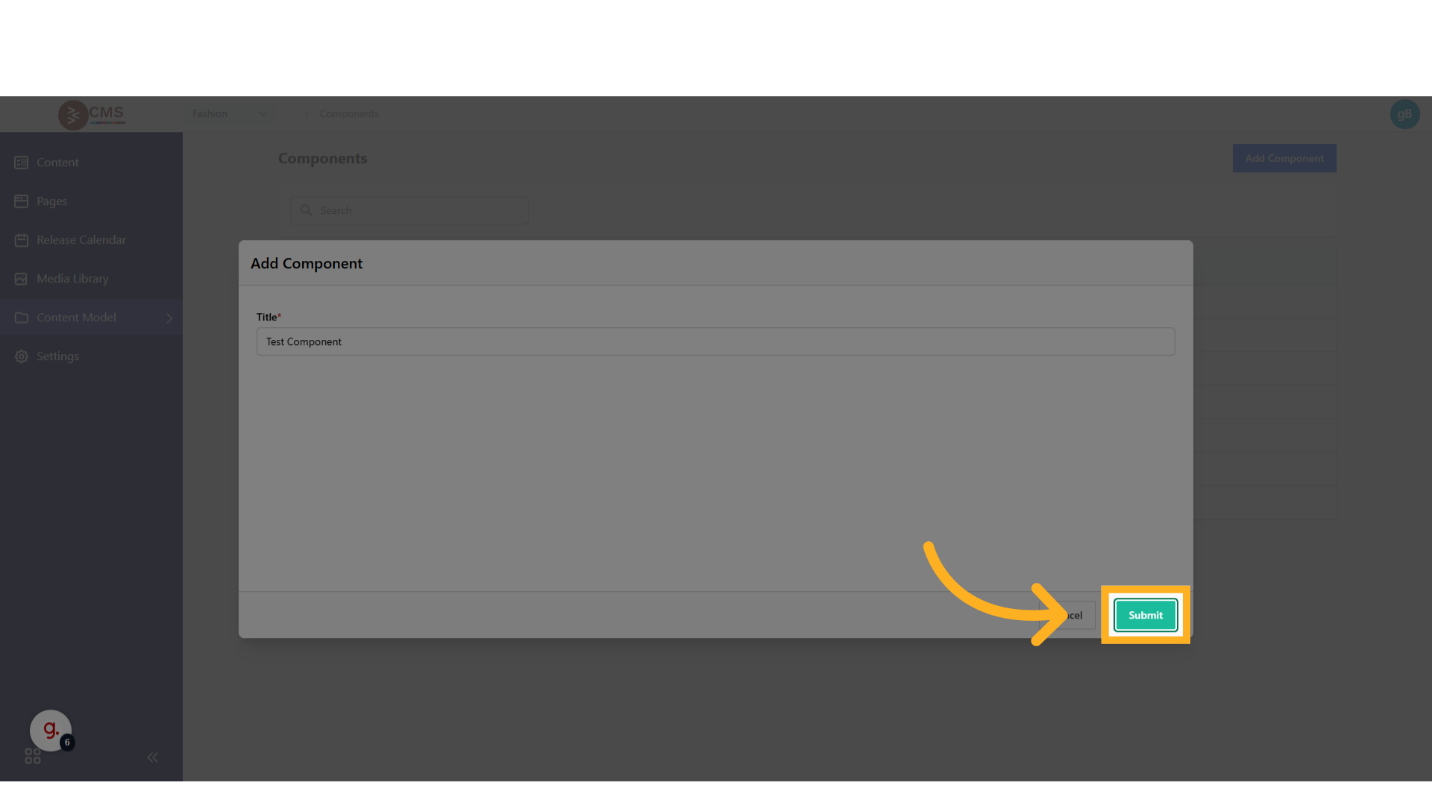
- Fields: Define the fields required for the Component’s purpose, such as Image, Text, CTA Label, or Link fields.

- Title: Provide a unique, descriptive title to identify the Component.
- Save the Component: Finalize and save the Component to enable its reuse across multiple Page Types.
Usage
Components, once defined, can be embedded within Page Types to standardize content sections across the platform. This modular approach enhances efficiency, maintainability, and scalability in content management processes.